

Our services
Crypto Contract
Cryptocurrency contract (Agreement):
What is a BALEScoin Contract?
A BALEScoin Contract is a documented agreement between two parties. You write the terms, identify Party A and Party B, and optionally attach on-chain payment — a single amount or equal installments between two dates.
Party A creates the contract, sets the wallet that receives funds, and holds the beneficiary role. Party B accepts the agreement by funding or paying. BALEScoin is only a neutral platform: it facilitates creation, documentation, and settlement, and is not a party to the contract.
Advantages
- Formal written terms you can share as image or A4 PDF
- Optional payment: none, single, or installments
- Equal stages between first and last due date — no need to enter every installment by hand
- Works with supported network cryptocurrencies (for example USDT)
- Serial number, QR code, and link for verification
- History in the app for reopening and re-sharing
Contract or Agreement?
In the app the product is named Contract to stress a formal, referenceable document — not an informal handshake. The document title can still read “Service Agreement” or any subject you choose (for example “Vehicle sale”).

Create a contract
Open Contract from the main menu. You see a live document preview.
Tap the info / edit control to enter the details:
Party A: Creator and beneficiary (name, alias, or ID as you prefer).
Wallet address: Party A’s BSC wallet — required for payments and on-chain actions (stop / resume).
Party B: Counterparty who will pay or accept the terms.
This contract has payment: Turn on if money should move on-chain.
Amount & coin: Total amount and cryptocurrency when payment is enabled.
Number of stages: 1 = single payment; more than 1 = equal installments between two dates (up to the app limit).
First payment: Immediate after funding, or a chosen date if “delayed start” is on.
Last payment: Required when there is more than one stage; stages are spaced evenly between first and last due.
Contract text: Enter the full terms (subject to the app line/page limit so the shared document stays within three A4 pages).
Payment modes in short
- Document only — no amount; shareable agreement only
- Single payment — one amount; due immediate or on a selected date
- Installments — equal parts between first and last due date
What does “stages” mean?
Stages are equal slices of the total amount. You do not enter each installment amount or every intermediate date. The app and contract logic derive them from total amount, stage count, first due, and last due.

Save and share
When the form is valid, confirm to register the contract and get a serial number (SN). You can share the document as:
- Image (PNG) — quick send on messaging apps
- PDF (A4) — print-ready pages
The shared file includes parties, payment terms (if any), contract text, SN, date, and a QR code pointing to the public contract link.
History
Created contracts stay in the app history. Open one anytime to view the document again or share it without re-entering the form.
How do I know a shared contract is genuine?
Each document has a unique serial number and a link/QR code.
Open the link or scan the QR on BALEScoin and compare SN, parties, amount, and dates with the file you received.
Two documents with the same SN but different terms should be treated as untrusted — contact support.

Contract vs Invoice
Invoice is a payment request (often with line items) for goods or services. Contract is a bilateral agreement with named parties, optional staged payments, due dates, and a longer free-text body for terms and conditions.
Who can stop or resume a paid contract?
On-chain controls (when enabled for that contract) follow the product rules: the party who stops is the one who can resume; an arbiter configured at deploy can still resolve remaining stages according to platform policy.
Is the contract text stored on the blockchain?
The full text is kept with the platform document record so you can share and verify it. On-chain data focuses on payment parameters (parties’ wallets, amounts, stages, dues) as defined by the smart contract — not the entire essay.
How can I register on BALEScoin?
Download Balescoin and install it on your Android phone.
Run the app and tap Log in.
Enter a valid email and password. If you already registered but forgot the password, enter the email with a new password, then tap GO.
An email with an activation link and code is sent to you. Open the link or enter the code in the app, re-enter your password, and tap GO to finish registration.
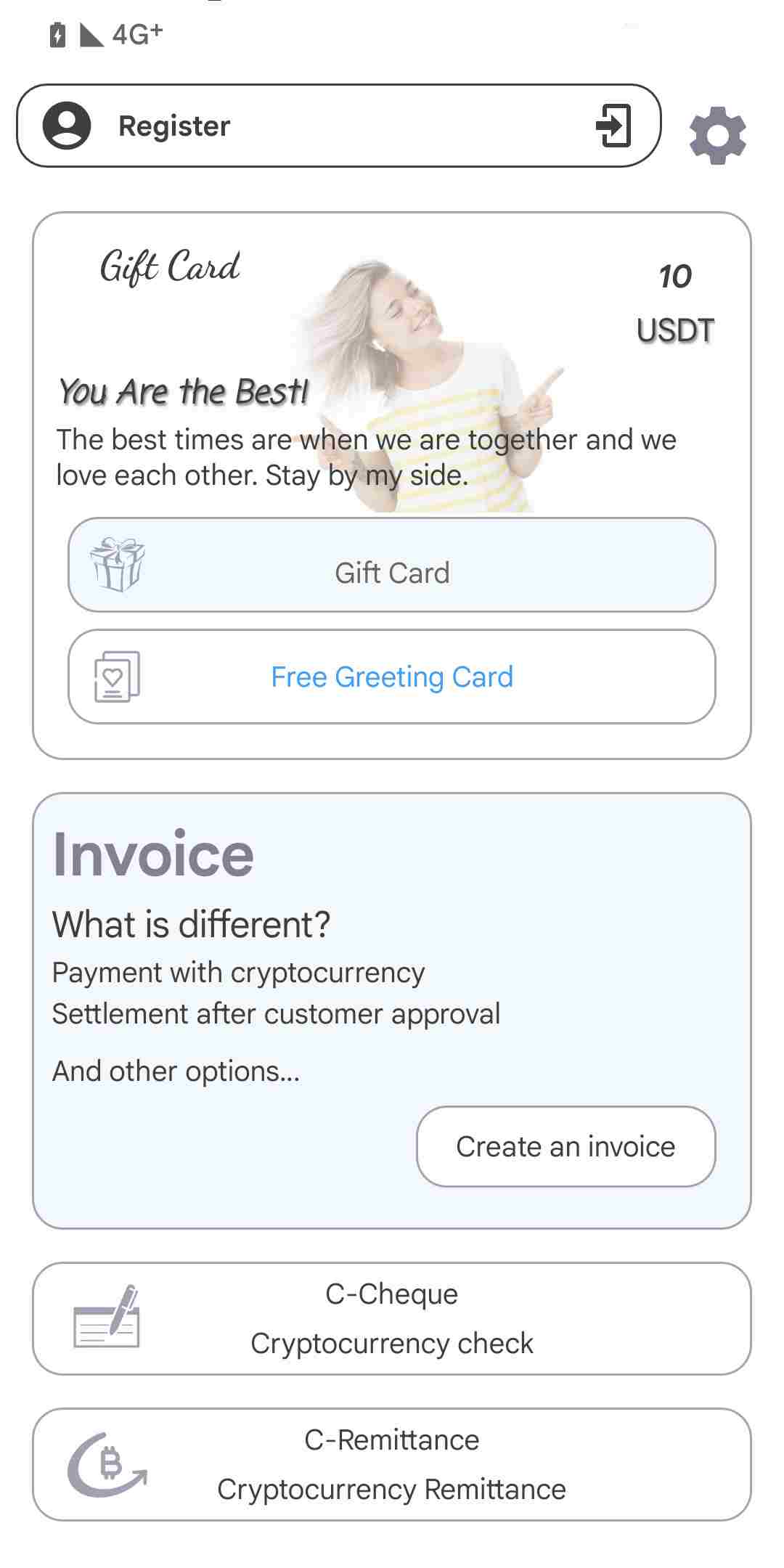

List of services
 Linkedin
 X - twitter
 instagram
 Telegram

All Rights Reserved. © Copyright 2022 BALEScoin